
Introduction
Starting out in web development is exciting—you’re learning new skills, building projects, and exploring creative possibilities. But like any craft, beginners often make mistakes that can slow down their progress or lead to frustration. The good news? Every developer makes them, and each mistake is a chance to learn and grow. Let’s look at some of the most common pitfalls and how to avoid them.
1. Ignoring the Basics
Many new developers jump straight into frameworks like React or tools like WordPress without mastering the fundamentals—HTML, CSS, and JavaScript. These are the building blocks of every website. When you understand how they work together, you’ll be able to fix problems faster and create cleaner, more efficient code.
Tip: Spend time practicing pure HTML and CSS layouts before moving to advanced tools. It’s like learning to walk before you run.

2. Writing Messy Code
Poorly organized code is one of the biggest beginner mistakes. It might work at first, but as your project grows, it becomes hard to read and maintain.
Tip: Use proper indentation, meaningful variable names, and comments to explain tricky parts. Tools like Prettier or ESLint can help keep your code neat automatically.
3. Not Testing Responsiveness
Your website might look great on your laptop, but what about on a phone or tablet? Many beginners forget to test across devices, leading to broken layouts and unhappy users.
Tip: Use responsive design techniques—like flexible grids and media queries—to make sure your site looks good everywhere. Test it on multiple screen sizes before publishing.
4. Overcomplicating Design
It’s tempting to add animations, effects, and fancy features, but too much can slow down your site and confuse visitors. Simplicity is key.
Tip: Focus on usability first. A clean, easy‑to‑navigate design always beats a flashy one that’s hard to use.
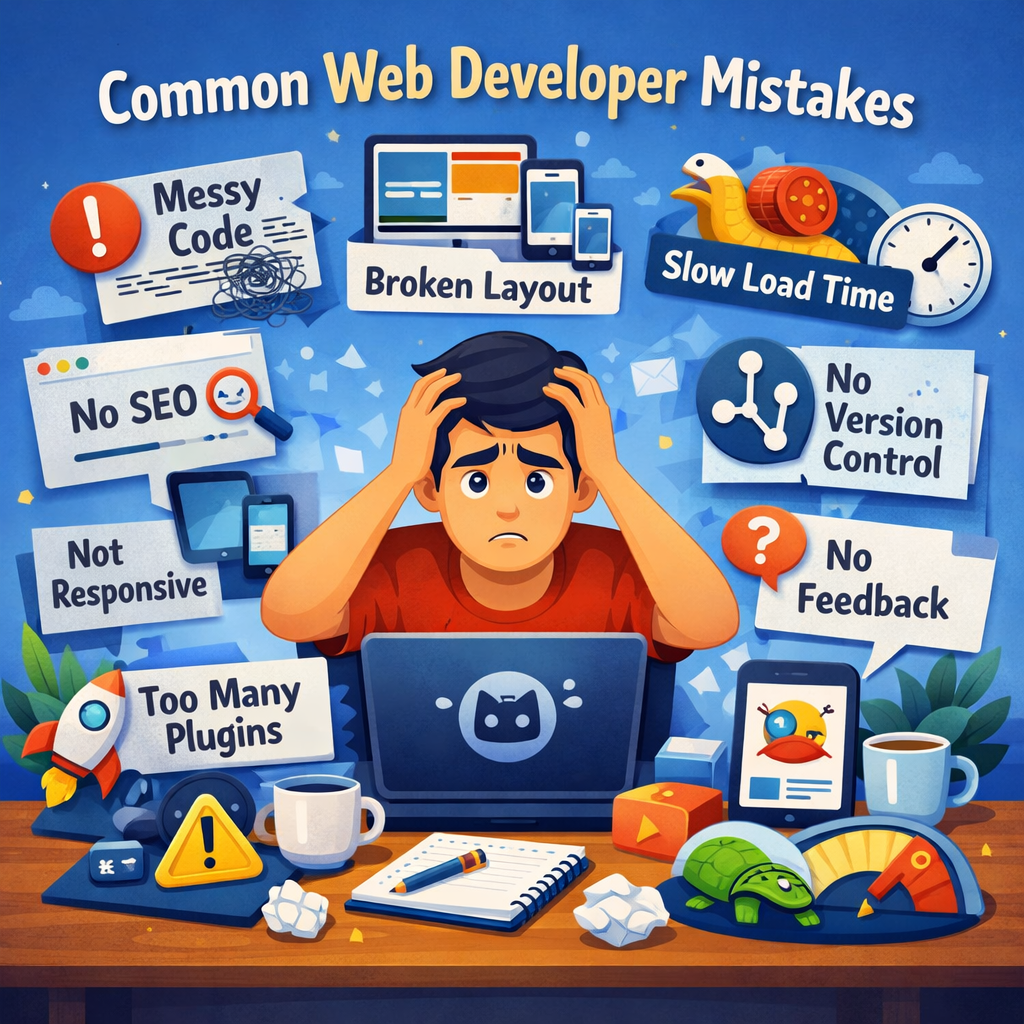
5. Ignoring SEO and Performance
A beautiful website won’t help if no one can find it. Beginners often forget about search engine optimization (SEO) and site performance.
Tip: Use descriptive titles, proper headings, and alt text for images. Compress images and minimize code to improve loading speed. Tools like Google PageSpeed Insights can help you measure performance.
6. Not Using Version Control
Skipping version control (like Git) is a mistake that can cost you hours of work. Without it, you can’t easily track changes or revert to previous versions.
Tip: Learn the basics of Git and GitHub early. Even simple commits can save you from losing progress.
7. Avoiding Feedback
Many new developers hesitate to share their work, fearing criticism. But feedback is one of the fastest ways to improve.
Tip: Join online communities, share your projects, and ask for reviews. Constructive feedback helps you see your work from new perspectives.
8. Not Keeping Up With Updates
Web technologies evolve quickly. Ignoring updates can leave your site vulnerable or outdated.
Tip: Follow trusted blogs, YouTube channels, or newsletters about web development. Staying informed keeps your skills fresh and your projects secure.
Conclusion
Mistakes are part of every developer’s journey—they’re how you learn. The key is to recognize them early, fix them, and keep moving forward. With patience and practice, you’ll turn these beginner errors into valuable lessons that shape your growth as a web developer.